Build. Explore. Conquer.

VALON — Minecraft Survivals

Build and manage your own town on stunning Terralith landscapes. Explore custom biomes, conquer EliteMobs dungeons, and power up with 200+ custom enchantments. A true survival experience — no mods required.

Choose Your Adventure

Jump into Minecraft now, or wait for something new.

Towny
01
Online

Towny

Survival & Town Building

Start a town, recruit residents, and grow into a nation. Terralith worlds mean every mountain and valley actually looks incredible. Plus 200+ custom enchants and dungeons that'll actually challenge you.

TownyPyroMiningEliteMobsTerralith
Hytale
02
Coming Soon

Hytale

Coming Soon

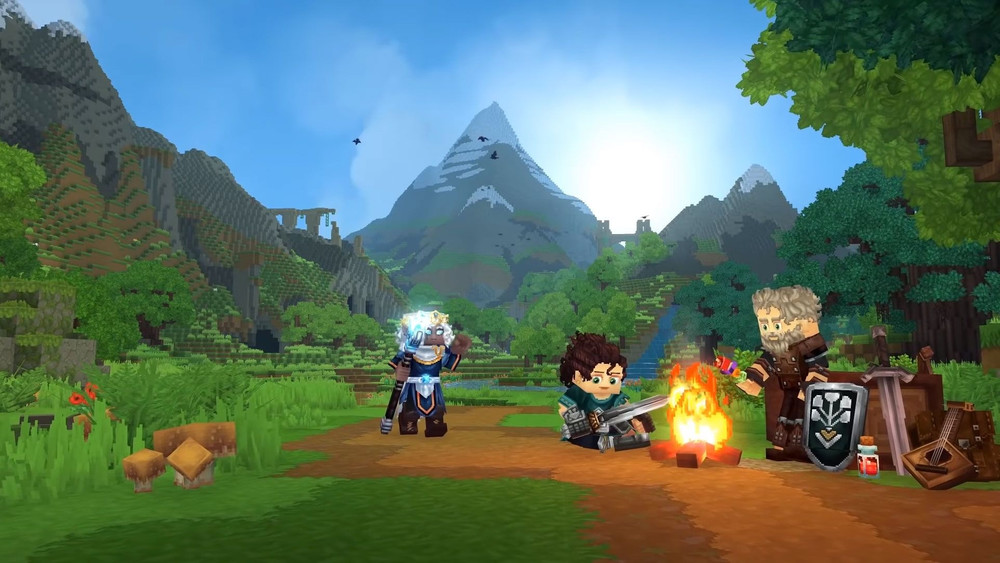
A new adventure awaits. We're working on bringing the Valon experience to Hytale. Stay tuned.

AdventureExplorationBuildingCombat
Stay Tuned

What Makes Us Different

Server-side plugins. No downloads needed.

Towny Towns & Nations

Towny Towns & Nations

Build, protect, conquer

Custom World Generation

Custom World Generation

Terralith, Incendium, Nullscape

EliteMobs Dungeons

EliteMobs Dungeons

Epic bosses & legendary loot

AuraSkills

AuraSkills

Level up & unlock abilities

200+ Custom Enchants

200+ Custom Enchants

Legendary gear & abilities

Player Economy

Player Economy

Trade, shops & markets

Slimefun

Slimefun

Tech & automation

About Valon

Survival Done Right

Valon launched in 2023 with one goal: make a survival server that doesn't suck. No pay-to-win, no 47 different game modes nobody plays. Just two focused experiences - Towny for town builders and Kingdom for Slimefun tech nerds.

We run Terralith, Incendium, and Nullscape for world gen, which means the terrain actually looks good instead of the same plains biome for 10,000 blocks. Add 200+ custom enchants, EliteMobs dungeons, and an economy that works, and you've got a server worth sticking around for.
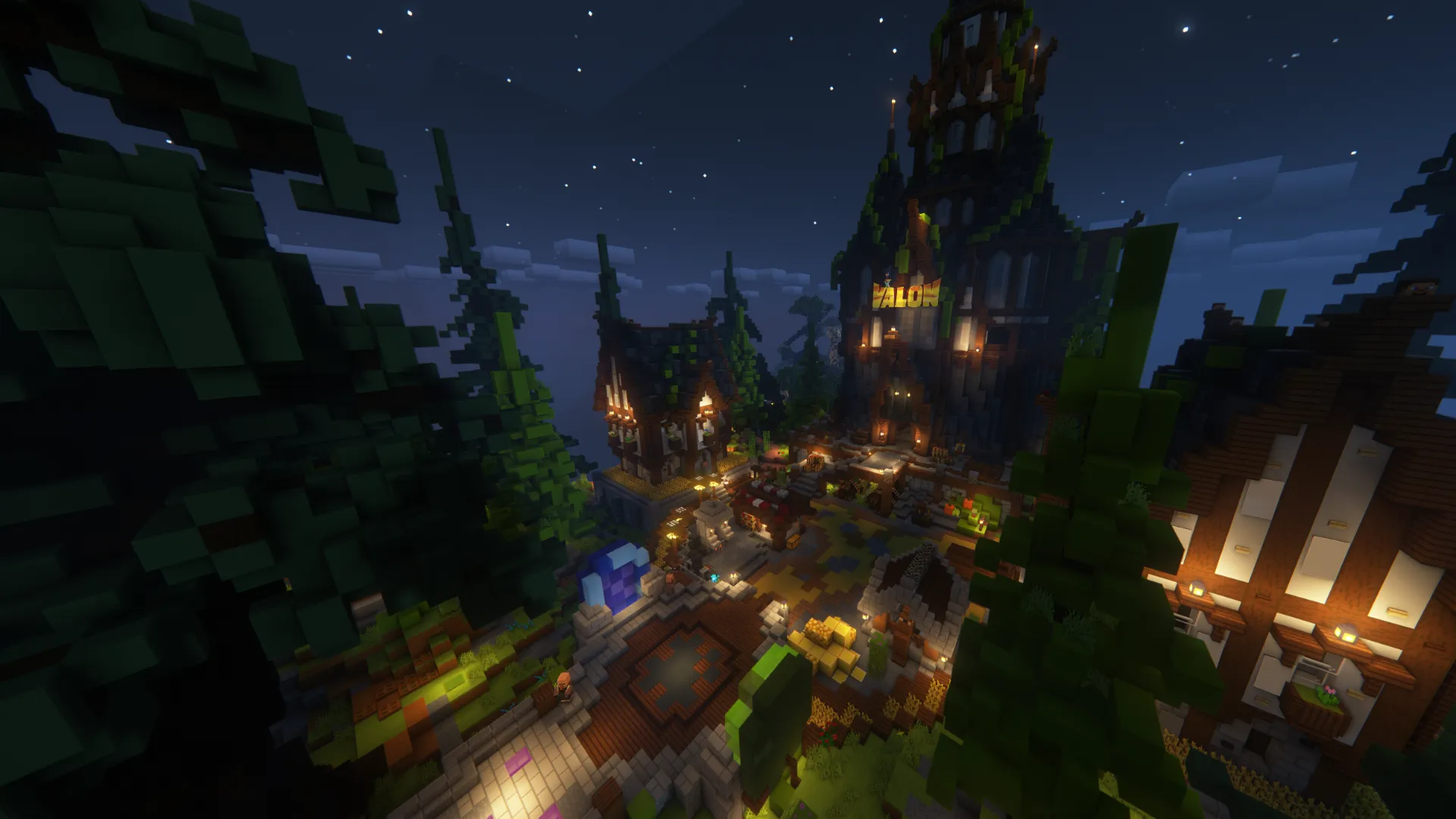
Valon Minecraft Server Spawn
Java + Bedrock
Cross-Platform Support

Getting Started

How to Join Valon Server

Connect to our Minecraft server in a few steps. No mods needed - everything runs server-side.

1

Launch Minecraft

Open Minecraft Java Edition (1.21.4) or Bedrock Edition

2

Add Server

Click "Multiplayer" then "Add Server"

3

Enter Address

Type the server IP address

play.valon.gg
4

Join & Play

Click Join Server and start your adventure

5

Explore

Check out the wiki for guides & tips